How do you track marketing campaigns with UTM parameters?
UTM parameters are tags you add to the end of a link, such as ?utm_source=newsletter&utm_medium=email&utm_campaign=spring-sale, so your analytics tool can tell which campaign sent each visit. Always set source, medium and campaign, write every value in lowercase from one shared naming convention, and never tag links between pages on your own site.
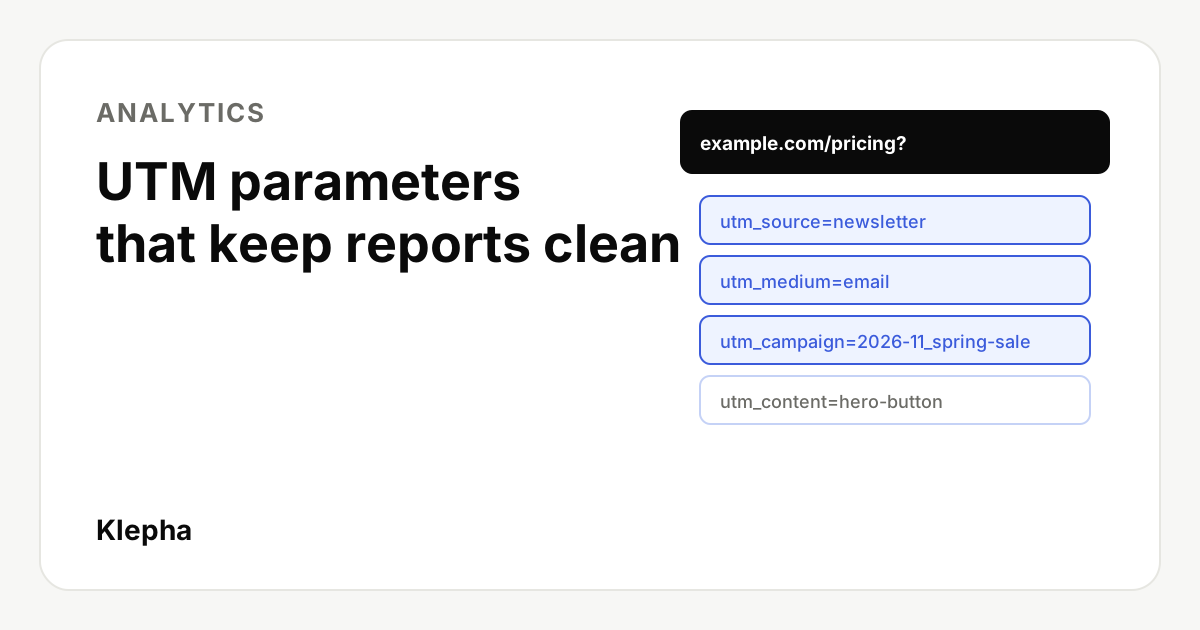
To track a campaign with UTM parameters, add utm_source, utm_medium and utm_campaign to every external link that points to your site, using values from one written naming convention. When someone clicks, Google Analytics and most other tools read those tags and attribute the visit to that source, medium and campaign, so you can compare channels by sessions, conversions and revenue.
The mechanics take five minutes to learn. What breaks UTM tracking in practice is inconsistency: one person writes Facebook, another facebook, a third fb, and the same campaign ends up split across three rows that nobody adds up. Most of this guide is about preventing that.
Key takeaways
- Always set three: utm_source, utm_medium and utm_campaign. Google recommends setting all relevant parameters, because missing ones show as (not set).
- Values are case sensitive. Google Analytics treats Google and google as different sources, so use lowercase everywhere.
- Medium is the channel, source is the platform, and the medium values you choose decide how GA4 groups traffic into channels.
- Never tag internal links. UTMs on links within your own site overwrite the real source of the visit.
- Keep a shared link log so every tagged URL follows the same convention.
What are UTM parameters?
UTM parameters are name and value pairs added to a URL after a question mark, separated by ampersands. They do not change the page someone sees. They only pass information to your analytics tool about where the click came from. The name comes from Urchin Tracking Module, the analytics product Google acquired and turned into Google Analytics.
Google's own example for a summer email campaign is:
https://www.example.com/?utm_source=summer-mailer&utm_medium=email&utm_campaign=summer-sale
Without tags, that visit would usually appear as direct traffic or as a referral from an email provider, with no link to the campaign. With them, it is reported under the email medium and the summer-sale campaign.
Which UTM parameters should you use?
Google Analytics supports more parameters than most teams need. These are the ones that matter, with Google's definitions:
| Parameter | Google's definition | Example values | Use it |
|---|---|---|---|
| utm_source | Referrer | google, newsletter, linkedin, partner-acme | Always |
| utm_medium | Marketing medium | cpc, email, paid-social, organic-social, referral | Always |
| utm_campaign | Product, slogan or promo code | 2026-11_black-friday, product-launch-q1 | Always |
| utm_content | Used to differentiate creatives | hero-button, footer-link, video-15s | When you have more than one link or creative |
| utm_term | Paid keyword | crm-for-agencies | Paid search, if not auto-tagged |
| utm_id | Campaign ID | cmp-0142 | If you import cost or campaign data |
| utm_source_platform | The platform directing the traffic | search-ads-360 | Rarely, for buying platforms |
Google also lists utm_creative_format and utm_marketing_tactic, but notes they are not currently reported in Google Analytics properties. For Google Ads, auto-tagging passes campaign and keyword data automatically, so most advertisers do not add manual UTMs to Google Ads links.
What naming convention should you use?
A naming convention is a short written rulebook for allowed values. Google's own best practice table recommends one unique source per platform, one unique medium per channel, campaign names that match the exact campaign name in the ad platform and a strict, case-sensitive convention across all fields. A practical version:
- Lowercase only. Google says values are case sensitive, so SpringSale and Spring_Sale become different rows.
- Hyphens between words, no spaces. Spaces turn into %20 or plus signs and are easy to mistype.
- A fixed list of mediums. Pick a small set, such as cpc, paid-social, organic-social, email, referral, affiliate and display, and do not invent new ones per campaign.
- A fixed list of sources. One value per platform: google, bing, linkedin, facebook, instagram, newsletter. Google suggests distinct values for sub-platforms, such as separate sources for Facebook and Instagram.
- A campaign format with a date. For example yyyy-mm_campaign-name, such as 2026-11_black-friday. Dates make campaigns sort correctly and stop names being reused by accident.
- Content describes the creative or position, such as hero-button, footer-link or carousel-card-2, and stays the same across ads that use the same creative.
One detail deserves attention. In GA4, the medium and source values feed the default channel groups. Google's channel definitions use patterns, for example matching medium values such as cpc or ppc to paid channels and email to the Email channel. If you invent a medium like newsletter-blast, the traffic may land in Unassigned, which Google describes as the value used when no other channel rule matches. Offline sources such as QR codes on print have no default channel at all, so either accept Unassigned for them or create a custom channel group. Check your values against Google's default channel group definitions before you lock the list.
What do tagged links look like for each channel?
| Channel | Tagged URL |
|---|---|
| Newsletter | example.com/pricing?utm_source=newsletter&utm_medium=email&utm_campaign=2026-11_black-friday&utm_content=hero-button |
| LinkedIn post | example.com/guide?utm_source=linkedin&utm_medium=organic-social&utm_campaign=2026-11_geo-guide |
| LinkedIn ad | example.com/demo?utm_source=linkedin&utm_medium=paid-social&utm_campaign=2026-q4_demo-push&utm_content=carousel-a |
| Partner blog | example.com/?utm_source=partner-acme&utm_medium=referral&utm_campaign=2026-11_co-webinar |
| Printed QR code | example.com/offer?utm_source=trade-show-flyer&utm_medium=qr&utm_campaign=2026-11_expo |
| Microsoft Ads (manual tagging) | example.com/crm?utm_source=bing&utm_medium=cpc&utm_campaign=crm-agencies&utm_term=crm-for-agencies |
Illustrative examples. Replace values with the ones in your own convention.
Parameters can appear in any order. If the URL already contains a question mark, for example a product page with ?color=blue, add your tags with an ampersand instead of a second question mark.
Automated emails need the same discipline. Tag every link in an email welcome sequence with the email number in utm_content, so you can see which message drives sign-ups. For Google Ads, auto-tagging handles attribution inside Google, and the new Customer Journey Insights card adds a view of how campaigns move people toward conversion.
How do you build and manage tagged links?
For a handful of links, Google's Campaign URL Builder is enough: you enter the page and values and it assembles the URL. Google recommends the separate Play Campaign URL Builder for Android app ads. Many ad platforms also support dynamic parameters that fill in values automatically, such as the campaign name, which Google recommends to reduce manual errors.
For a team, the tool matters less than the log. Keep one shared sheet with columns for date, owner, channel, destination page, source, medium, campaign, content and the final URL. Use dropdowns for source and medium so nobody can type a new value, and build the final URL with a formula. That single sheet does more for data quality than any builder. Before a campaign goes live, click every link, confirm the page loads and check that the visit appears in real time reports with the expected values.
Measure the traffic AI assistants send you
Klepha's free report shows which buyer questions ChatGPT, Gemini and Perplexity answer with your pages, so you can line up AI visibility with the sessions your analytics records.
Get my free reportWhere do UTM results appear in Google Analytics?
In GA4, open Reports, then Acquisition, then Traffic acquisition. Google says you can view Session source/medium, Session medium, Session source and Session campaign there. Add Session manual ad content to compare utm_content values. For conversions, add your key events as columns, or use an exploration to compare campaigns by revenue.
Note that Google strips UTM values from the Landing page + query string and Page path + query string dimensions; they appear in Page location instead. If a report seems to be missing your tags, check that dimension.
Which mistakes break UTM reports?
| Mistake | What happens | Fix |
|---|---|---|
| Mixed capitalization | Facebook and facebook appear as two sources | Lowercase only; clean old values in reports with a custom channel group |
| Missing source, medium or campaign | (not set) rows and traffic in Unassigned | Always set all three; Google strongly recommends setting all relevant parameters |
| Tagging internal links | A visitor from Google who clicks your own tagged banner is re-attributed to your campaign | Never add UTMs to links between pages on your site; use events instead |
| Inventing new mediums | Traffic misses the right default channel | Use a fixed medium list that matches Google's channel definitions |
| Reusing campaign names | Two campaigns months apart merge into one row | Add a date prefix to every campaign |
| Redirects that drop parameters | Tags vanish before the page loads and the visit looks direct | Test tagged links through any shortener or redirect |
| Manual UTMs on auto-tagged Google Ads | Conflicting data between Ads and Analytics | Rely on auto-tagging for Google Ads unless you have a clear reason |
| Personal data in values | Emails or names stored in analytics | Never put personal information in a URL parameter |
The internal link mistake is the most damaging because it is invisible: reports look fine, but your best organic and paid visits are quietly credited to a homepage banner. If your numbers suddenly shift between channels after a site change, check for it alongside the other causes in our guide to why website traffic drops.
Make an audit part of the routine. Once a month, export Session source/medium for the past 30 days and sort by sessions. Anything that does not appear in your naming convention, every (not set) row and any traffic in Unassigned is a link to trace and fix at the source. Ten minutes a month keeps a year of reports usable.
How do UTMs fit with AI search traffic?
You cannot tag the links an AI assistant chooses to cite, because you do not write them. Visits from ChatGPT, Perplexity or Gemini usually arrive as referrals, and what you see depends on what the assistant passes along. That makes clean tagging of everything you do control more important, not less: when your own campaigns are tagged consistently, untagged referral traffic from AI assistants is easier to separate and size.
For ChatGPT specifically, OpenAI's new Business Hub reports recorded website clicks on its side, which you can compare with the referral sessions your analytics records; our guide to ChatGPT Business Hub explains what that data does and does not show. Once campaign data is reliable, it also feeds better budget decisions, which our guide to calculating CAC and LTV builds on. For help connecting analytics, search and AI visibility, see our expertise, Blog Ranking service and case studies.
Sources
- Google Analytics Help, "URL builders: Collect campaign data with custom URLs", accessed November 11, 2026. support.google.com
- Google Analytics, Campaign URL Builder, accessed November 11, 2026. ga-dev-tools.web.app
- Google Analytics Help, "[GA4] Default channel group", accessed November 11, 2026. support.google.com
Frequently asked questions
What are UTM parameters?
UTM parameters are tags added to the end of a URL, such as utm_source, utm_medium and utm_campaign, that tell your analytics tool where a visit came from. They do not change the page; they only label the click so you can compare campaigns.
Which UTM parameters are required?
Always use utm_source, utm_medium and utm_campaign. Google recommends setting all relevant parameters, because missing ones produce (not set) values. Add utm_content to tell creatives or link positions apart and utm_term for paid keywords.
Are UTM parameters case sensitive?
Yes. Google Analytics treats utm_source=google and utm_source=Google as different values, so the same campaign can split into several rows. Use lowercase for every value.
Should I use UTM parameters on internal links?
No. Tagging links between pages on your own site overwrites the original source of the visit, so organic or paid visitors get credited to your internal campaign. Track internal clicks with events instead.
Do I need UTM parameters for Google Ads?
Usually not. Google Ads auto-tagging passes campaign and keyword data to Google Analytics automatically. Manual UTMs are mainly for other platforms such as email, social, partners and other ad networks.
Where do I see UTM data in GA4?
Open Reports, then Acquisition, then Traffic acquisition, and use the Session source/medium, Session medium, Session source and Session campaign dimensions. Add Session manual ad content to compare utm_content values.