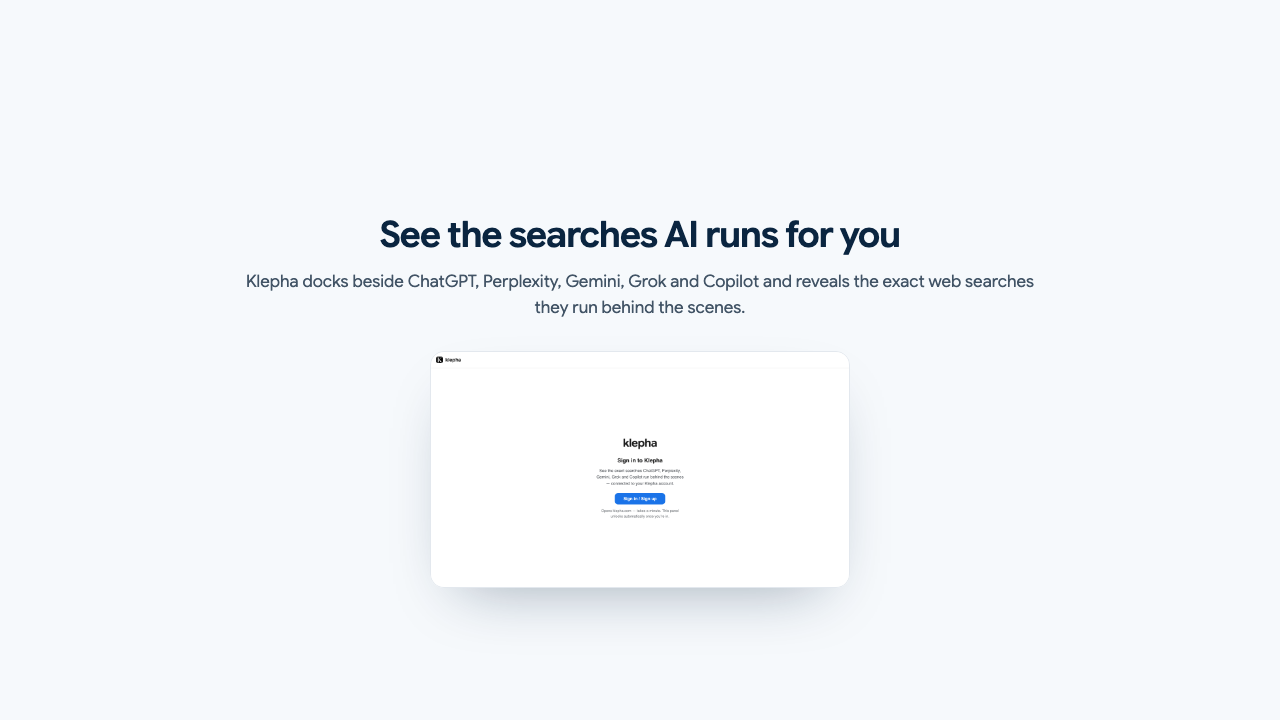
Every assistant runs its own web searches before replying — and the pages it finds decide what it tells the world about you. Klepha Lens shows you those searches, live, in a panel beside ChatGPT, Perplexity, Gemini, Grok and Copilot.
Included with every Klepha plan · captured data never leaves your browser
Answer text tells you the verdict. Lens tells you how the assistant reached it.
Not a guess at intent — the literal query strings the assistant sends to the web while it composes your answer.
Every URL each engine pulled in, and which of them survived into the answer. The gap between the two is where visibility is won.
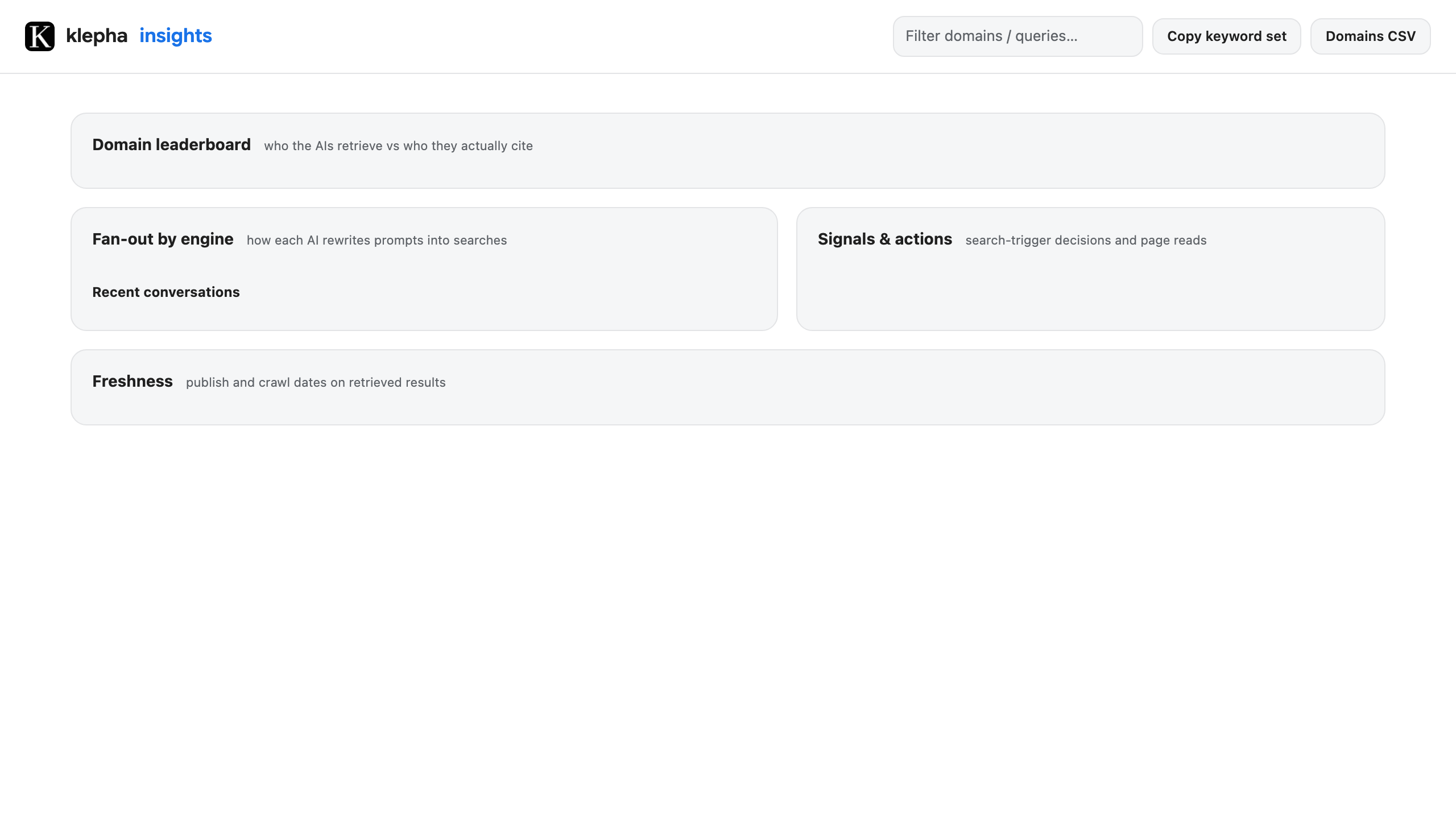
How ChatGPT, Perplexity, Gemini, Grok and Copilot each rewrite the same question into different searches.
Publish and crawl dates on retrieved results, so you can see how recent a page has to be to get picked up.
Across everything you have watched: who gets retrieved most, who gets cited most, exportable as CSV.
When an assistant decides to search at all versus answering from memory — and which pages it then opened and read.
Works in Chrome and any Chromium browser — Edge, Brave, Arc, Opera.
Listing pending review on the Chrome Web Store — the button goes live the moment it is approved. Want early access? Email us and we will send you the package.
Lens reads the assistant's own network responses on the page. It never blocks, modifies or injects anything into them.
Captured queries, retrieved results and signals live in your browser's local extension storage. They are never transmitted to Klepha or anyone else.
The only request Lens makes is a sign-in check to klepha.com, confirming your account has an active plan. It carries no page content.
Your conversations with the assistant are never collected, stored or sent anywhere — and Lens does not run on any site outside the supported assistants.
Yes. Lens is free to install, and it unlocks with any active Klepha plan — it is included rather than sold separately. Without a plan the panel shows a link to pricing. See plans.
ChatGPT (chatgpt.com and chat.openai.com), Perplexity, Gemini, Grok (grok.com and X) and Microsoft Copilot. It runs only on those sites and stays dormant everywhere else.
No. Lens observes responses that the page has already requested; it never delays, blocks or rewrites them. If the extension fails for any reason, the assistant keeps working normally.
The dashboard asks the engines your tracked questions on a schedule and measures how you appear. Lens watches the searches happening in front of you, in your own session. Use Lens to understand retrieval behaviour, and the dashboard to track your visibility over time. Open the dashboard.
Yes. The insights view exports the domain leaderboard as CSV and copies the full keyword set to your clipboard.
Uninstall it from Chrome's extensions page. That deletes everything it stored locally. You can also clear captured data from the panel at any time.
Included with every Klepha plan. Install once and it works everywhere you already ask.