How do you identify AI Max traffic with the new {search_term_matchtype} ValueTrack parameter?
Google Ads now offers a {search_term_matchtype} ValueTrack parameter that records how the search term that triggered your ad was matched: e for exact, p for phrase, b for broad and a for AI Max broad expansions or keywordless matches. Add it to your tracking template next to {matchtype}, and you can separate AI Max clicks from standard keyword clicks in your own analytics and compare their conversion quality.
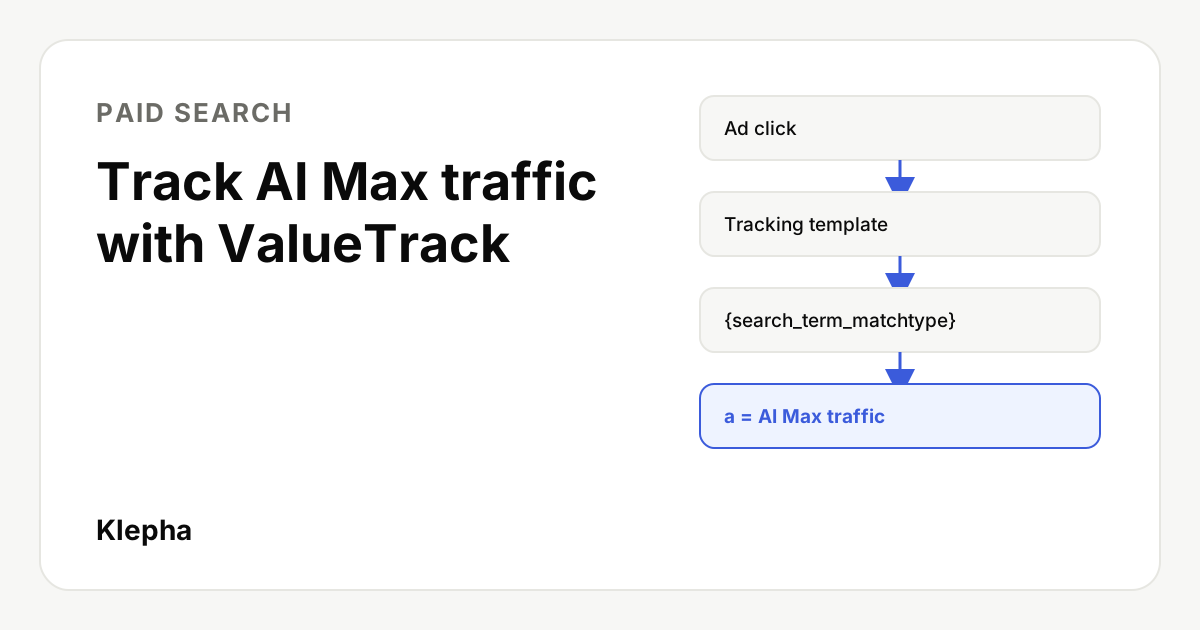
The new parameter was reported by Search Engine Land on November 11, 2026, after Hana Kobzová of PPCNewsFeed spotted it, and Google's own help page on ValueTrack now documents it. Until now, AI Max performance was easiest to judge inside the Google Ads interface, through the search terms report and summary rows. The parameter moves that split into the landing page URL, so it can reach GA4, your CRM or a data warehouse.
This guide explains what each value means, gives the exact tracking template Google publishes, shows the filter logic for AI Max versus standard traffic, and covers how to use the data without mistaking a match label for proof that AI Max is incremental.
Key takeaways
- New parameter: {search_term_matchtype} records the match type of the actual search term, not the keyword. Values are e, p, b and a.
- "a" means AI Max: Google defines it as AI Max broad expansions or keywordless traffic.
- Use it with {matchtype}: {matchtype} of e, p or b plus {search_term_matchtype} of a isolates AI Max expansion traffic.
- Template from Google: {lpurl}?keyword={keyword}&matchtype={matchtype}&search_term_matchtype={search_term_matchtype}
- It labels, it does not prove. The parameter shows which clicks came from AI Max, not whether they were incremental. Test that with experiments.
What is the {search_term_matchtype} parameter?
ValueTrack parameters are placeholders that Google Ads fills in at click time and appends to your landing page URL. The existing {matchtype} parameter records the match type of the keyword that triggered the ad. The new {search_term_matchtype} records the match type of the search term that triggered it. Google's help page puts it this way: it "records the match type of the actual search term that triggered the ad," and "this can differ from the keyword's match type, especially with broad match."
| Value | {search_term_matchtype} meaning | {matchtype} meaning |
|---|---|---|
| e | Exact match search term | Exact match keyword |
| p | Phrase match search term | Phrase match keyword |
| b | Broad match search term | Broad match keyword |
| a | AI Max broad expansions or keywordless traffic | AI Max keywordless traffic |
Google's ValueTrack mapping for the Google Ads API ties {search_term_matchtype} to the segments.search_term_match_type report field, which helps if you want to reconcile URL data with API reports later.
What counts as AI Max traffic?
AI Max for Search campaigns is a set of features you switch on inside a Search campaign. Google describes it as "a comprehensive suite of targeting and creative enhancements," including search term matching, text customization and final URL expansion. Search term matching is the part that matters here: Google says it uses "broad match, asset-based, and landing page-based technology" to find queries beyond your keyword list.
That creates two kinds of AI Max clicks:
- Broad expansions: a keyword you own triggered the ad, but the search term was matched through AI Max expansion rather than the keyword's own match type.
- Keywordless matches: no keyword triggered the ad; Google matched the search using your assets and landing pages.
Inside Google Ads, Google already shows "AI Max" as a match type in the search terms report, with a "Source" column, and summary rows in the keywords report. The new parameter brings the same distinction to the click URL, so you can join it with on-site behavior and revenue that Google Ads never sees.
How do you add it to your tracking template?
Google's help page gives this example tracking template:
{lpurl}?keyword={keyword}&matchtype={matchtype}&search_term_matchtype={search_term_matchtype}
Step by step:
- Choose the level. Tracking templates can be set at account, campaign, ad group, ad or keyword level, and a lower level overrides a higher one. Google's own example notes that a campaign level template applies to every ad "assuming you didn't define a tracking template at a lower level." Check for lower level templates first, or your new parameter will not appear where you expect.
- Keep {lpurl} at the start. It inserts your final URL. If your final URLs already contain a question mark, use a final URL suffix instead of adding a second one.
- Add the three parameters. Keep keyword and matchtype alongside the new one; you need both match values to apply Google's filter logic.
- If you use a third party tracker, pass the values through its redirect in the format it expects.
- Save and test. Use the Test option in URL options, then click a live ad from a test device and confirm the landing page URL shows real values, not raw braces.
- Capture the values on site. In GA4, register the URL parameters as event parameters or custom dimensions, or store them in hidden form fields so they reach your CRM with the lead.
If you already tag campaigns manually, keep your naming consistent with your existing UTM conventions; our guide to UTM parameters and naming covers how to avoid duplicate or conflicting tags. For most Google Ads accounts, auto-tagging still handles campaign and keyword attribution in GA4; the ValueTrack values add the match detail on top.
How do you separate AI Max from standard keyword traffic?
Google's help page gives the logic directly:
| Segment | {matchtype} | {search_term_matchtype} |
|---|---|---|
| AI Max expansion traffic | e, p or b | a |
| Standard keyword traffic | e, p or b | not a |
| AI Max keywordless traffic | a | a |
Google also points to {targetid}, which returns "kwl-" for keywordless traffic, as another way to spot clicks that had no keyword behind them. If you build the segments in GA4, create them as explorations or audiences filtered on the stored parameter values, and keep an "unknown" bucket for sessions where the values are missing, such as clicks from campaigns without the template.
Paid clicks are half the picture
A free Klepha report shows where your brand appears in ChatGPT, Gemini and Perplexity answers, so you can see the AI search demand your ads are not covering.
Get my free reportHow do you judge AI Max performance with this data?
Once the values land in analytics, compare the segments on outcomes, not clicks. A useful first report puts AI Max expansion, AI Max keywordless and standard keyword traffic side by side on:
- Conversion rate and cost per conversion, using the same conversion actions for every segment.
- Lead or order quality: qualified lead rate from your CRM, average order value, refund rate.
- Landing page behavior: engagement and drop off on the page AI Max chose, which matters if final URL expansion is on. Pair this with the landing page checks in our guide to landing pages for paid ads.
- Search intent: which AI Max search terms converted, using the search terms report alongside your own data.
Two cautions. First, segment sizes will often be uneven, so do not read much into small numbers; a few weeks of data per segment is a reasonable minimum before drawing conclusions. Second, make sure your conversion tracking is clean before comparing anything. If one form fires twice or a thank you page is indexed, every segment is wrong in the same way and the comparison misleads.
How does this fit with the AI Max reports in Google Ads?
The parameter does not replace Google's own reporting; it complements it. Inside Google Ads, the search terms report shows "AI Max" as a match type, with a "Source" column that says whether a match came from broad match expansion or keywordless matching. The keywords report has summary rows for AI Max expanded matches and AI Max landing page matches, and a dedicated view combines search terms, headlines and landing pages.
Use the two together. The Google Ads reports tell you what AI Max matched and at what cost. Your URL data tells you what happened next: whether those visitors engaged, became qualified leads, bought, or asked for refunds. If the two disagree, for example AI Max looks cheap per conversion in Google Ads but its leads rarely close in your CRM, trust the downstream data and feed it back through offline conversion imports so bidding learns the difference.
One practical tip: keep your segment definitions identical in every report. If your analyst defines AI Max traffic as search_term_matchtype equals a, while your agency only counts keywordless clicks, the numbers will never reconcile and the debate will be about definitions instead of results.
What can the parameter not tell you?
Search Engine Land makes the key point: the parameter "doesn't automatically measure the incremental value of AI Max." A click labelled "a" might have come to you anyway through another route, or it might be truly new demand. The label cannot tell those apart. It also adds no new bidding or targeting controls.
To measure incrementality, use a controlled test: a campaign experiment with AI Max on for one arm and off for the other, or a geo or time split, with the same budget and bidding. Our guide on AI search in Google Ads search terms explains why reading search terms alone is not enough, and our guide to A/B testing ads and landing pages covers how to size and run the test.
A practical rollout checklist
- Audit existing tracking templates at every level and note overrides.
- Add {keyword}, {matchtype} and {search_term_matchtype} to the template in the campaigns that use AI Max.
- Test the template, then verify on a live click.
- Store the values in analytics and in your CRM with each lead or order.
- Build three segments: standard keyword, AI Max expansion, AI Max keywordless.
- Review conversion quality weekly, and run an experiment before changing budgets.
If you manage paid search alongside organic and AI visibility, our expertise page explains how we connect those data sets, and the solutions page lists where Klepha can help.
Sources
- Google Ads Help, "How you can use ValueTrack", including the AI Max segmentation example, accessed November 13, 2026. support.google.com
- Search Engine Land (Anu Adegbola), "Google Ads introduces new ValueTrack parameter to identify AI Max traffic", November 11, 2026. searchengineland.com
- Google Ads Help, "How AI Max for Search campaigns works" and "About AI Max for Search campaigns", accessed November 13, 2026. support.google.com
- Google Ads API, "Map ValueTrack parameters to report fields", accessed November 13, 2026. developers.google.com
- Google Ads Help, "About reporting in AI Max for Search campaigns", accessed November 13, 2026. support.google.com
Frequently asked questions
What does the {search_term_matchtype} ValueTrack parameter do?
It records the match type of the actual search term that triggered your ad: e for exact, p for phrase, b for broad and a for AI Max broad expansions or keywordless traffic. It can differ from {matchtype}, which records the keyword's match type.
How do I identify AI Max traffic in Google Analytics?
Add {matchtype} and {search_term_matchtype} to your tracking template and store both values in analytics. Clicks where matchtype is e, p or b and search_term_matchtype is a are AI Max expansion traffic. Clicks where matchtype is a are AI Max keywordless traffic.
What tracking template does Google recommend?
Google's help page gives this example: {lpurl}?keyword={keyword}&matchtype={matchtype}&search_term_matchtype={search_term_matchtype}. Set it at the level you need and check that no lower level template overrides it.
Does the parameter show whether AI Max is incremental?
No. It labels how a click was matched, not whether the click would have happened without AI Max. Use a campaign experiment or a geo or time split to measure incremental value.
Do I need this if I already use auto-tagging?
Auto-tagging passes campaign and keyword data to Google Analytics, but the search term match type adds detail you can store in your CRM or warehouse next to lead quality and revenue. Many advertisers will use both.