What is back button hijacking, and what do Google's new FAQs change?
Google lists back button hijacking as a malicious practice in its spam policies, and in November 2026 it added five FAQs that answer the questions site owners kept asking: ad scripts, user reports, Discover, social traffic and apps. Here is what each answer means and how to audit your own pages.
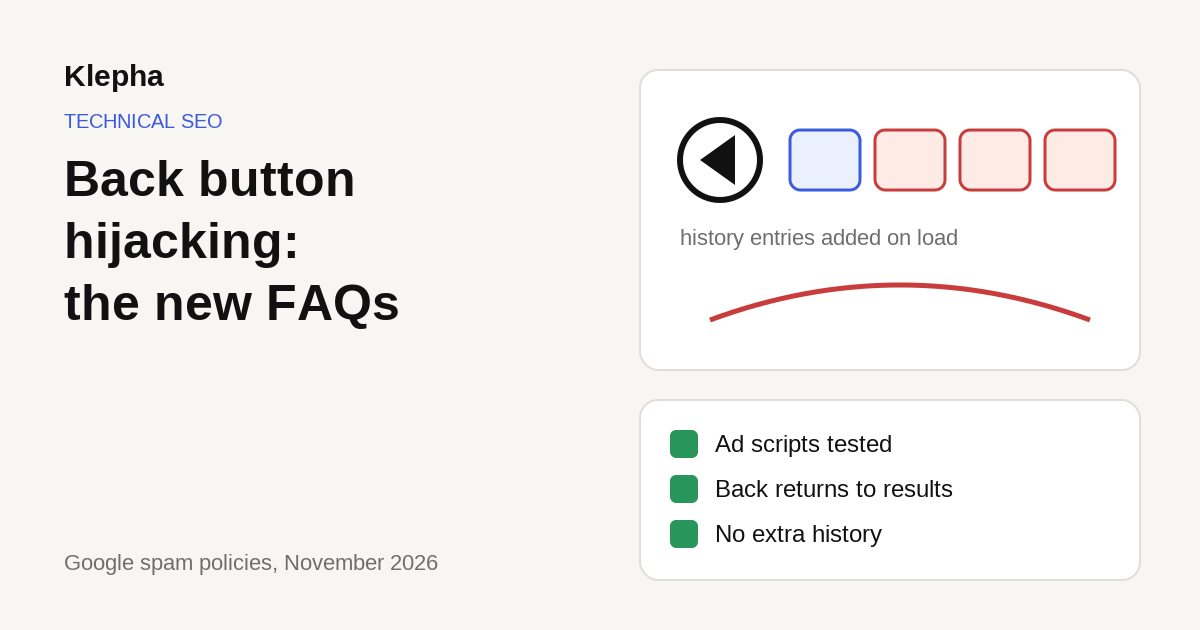
Back button hijacking is when a site manipulates the browser history or other browser functions so that a visitor cannot use the back button to return immediately to the page they came from. Google classes it as a malicious practice in its spam policies, and pages that do it can rank lower or be removed from Google Search, including Discover.
On the version of the spam policies page last updated on November 23, 2026, Google added a five question FAQ under the policy. The most practical answer for publishers: you can keep using code hosted by advertising platforms, but Google acts on any page that shows the behavior, whoever wrote the script. So the job is to test what your pages actually do, not only what your own code says.
Key takeaways
- It is a spam policy violation: back button hijacking sits under "Malicious practices" in Google's spam policies, next to malware and unwanted software.
- Ad code is allowed, the behavior is not: Google says sites can keep importing code hosted by ad platforms, but it takes action on pages that exhibit the behavior.
- Discover is covered: Google says Discover is part of Search and the spam policies apply there too.
- The traffic source does not matter: if the hijack happens in a browser, the policy applies even when the visitor came from social media.
- Apps are out of scope: "open in app" behavior that keeps users in an external app is not covered.
- Audit by testing: land on key templates from a search result, press back once, and check you return to the results page.
What is back button hijacking?
Google's spam policies define it in one sentence: back button hijacking "is when a site interferes with user browser navigation by manipulating the browser history or other functionalities, preventing them from using their back button to immediately get back to the page they came from."
In practice it usually looks like one of these patterns:
- Extra history entries. A script adds one or more entries to the browser history as soon as the page loads, so the first press of back lands on the same site instead of the search results.
- Back press interception. A script listens for the back navigation and sends the visitor to an ad page, a "recommended articles" feed or an offer instead of letting them leave.
- Redirect loops. The page the visitor would go back to immediately redirects them forward again, so back appears not to work.
The definition matters because of the word "immediately". Normal single page app navigation, where each real view gets its own history entry, still lets a visitor walk back through what they actually saw. The problem is history that the visitor did not create and that stands between them and the page they came from.
The policy sits in the "Malicious practices" section, which Google describes as practices that "create a mismatch between user expectations and the actual outcome, leading to a negative and deceptive user experience." The same section covers malware and unwanted software, which tells you how seriously Google frames it. Google says it detects spam "through automated systems and, as needed, human review that can result in a manual action," and that sites that violate the policies "may rank lower in results or not appear in results at all."
What are the five new FAQs?
The FAQ appears directly under the back button hijacking definition on Google's spam policies page. The page footer shows it was last updated on November 23, 2026, and Search Engine Land reported the new FAQ the same week. Here are the five questions and Google's answers, summarized with the key wording quoted.
| Question | Google's answer | What it means for you |
|---|---|---|
| Some hijacking was caused by third party ad platforms. Are you preventing sites from importing their code? | No. Sites can keep importing code that ad platforms host. Google "only take[s] action on pages that exhibit back button hijacking behavior." | You are responsible for what your ad stack does on your pages, even if you did not write it. |
| Can users report sites that do this? | Yes, through the spam submission report. | Annoyed visitors are a detection channel, not only Google's systems. |
| Does the policy apply to Google Discover? | Yes. Discover "is a part of Google Search" and the spam policies apply to it. | Publishers who rely on Discover traffic are fully in scope. |
| Does it apply if the user arrived from a non Search channel, such as social media? | "If back button hijacking happens when a user is browsing within a browser, then the policy applies." | You cannot hijack only social or newsletter traffic and stay compliant. |
| Does it apply when a site opens an external app that then prevents the user from returning? | No. App navigation and "open in app" behaviors are outside the scope of this policy. | Deep links into apps are not treated as back button hijacking. |
We could not load Search Engine Land's write up directly on November 24, 2026, so this article relies on Google's own policy page, which is the primary source in any case.
How are ad scripts treated?
This is the answer most publishers needed. The first FAQ admits that "some back button hijacking was caused by third-party advertising platforms," and Google's position has two halves:
- Using ad platforms is fine. Google is not asking you to remove ad code or to self host it. Site owners "can continue to work with advertising platforms and import code that they host."
- The page is judged on behavior. Google acts "on pages that exhibit back button hijacking behavior." It does not say it will look at who wrote the script or excuse the site because a vendor injected it.
Put together, the risk sits with the site. A monetization partner that adds "back button recirculation" or exit interstitials can put your pages in breach even if your own code is clean. That makes vendor management part of technical SEO:
- List every script that runs on article and landing templates, including those loaded through a tag manager or by other scripts.
- Ask each ad, recirculation and engagement vendor in writing whether their code touches browser history or intercepts back navigation, and how to turn that off.
- Re-test after every vendor change, because ad stacks update without a deploy on your side.
Clean pages are the baseline. Are you visible where buyers ask?
Klepha's free report shows how ChatGPT, Gemini and Perplexity describe your brand, and which buyer questions you are not answering yet.
Get my free reportWhere does the policy apply?
The FAQs settle three scope questions.
Google Search and Discover
The spam policies govern eligibility to appear in Google web search results, and Google confirms Discover is part of Search. A site that earns heavy Discover traffic and uses aggressive recirculation on back press is exactly the case this answer targets.
Any browser session, whatever the source
The fourth answer removes a common loophole. Some sites only triggered history manipulation for visitors from social platforms, assuming Google would not see it. Google's answer is that if it "happens when a user is browsing within a browser, then the policy applies." The arrival channel does not change the verdict.
Not inside apps
If your page opens a native app and the app keeps the user there, that is app behavior and outside this policy. It is still a poor experience if it surprises people, so keep "open in app" prompts optional.
What is not back button hijacking?
Google's policy targets interference that stops users going back immediately. These common patterns are not the same thing, as long as they leave the back button working:
| Pattern | Usually fine when | Becomes a problem when |
|---|---|---|
| Single page app routing | Each history entry matches a view the visitor actually opened | Entries are added on load before the visitor does anything |
| Filters and tabs that update the URL | You use replaceState for minor state, or pushState only for real navigation | Every scroll or impression adds an entry |
| Exit intent offers | The offer appears on the page and closes without blocking navigation | Pressing back sends the visitor to the offer instead of leaving |
| Infinite scroll with URL updates | URLs change with replaceState as articles scroll into view | Each article pushes a new entry the visitor must step through |
When in doubt, apply the plain test from the definition: from a search result, can one press of back take the visitor straight back to the results?
How do you audit your site for back button hijacking?
Because the policy is about behavior, the audit has to be a behavior test. Code review helps you find the cause, but it will not catch scripts injected at runtime.
1. Manual test on real templates
- Pick one URL from each template that gets search or Discover traffic: articles, category pages, product pages, landing pages.
- Search for the page in Google on a phone and on desktop, click through, wait for ads to load, scroll a little.
- Press back once. You should land on the results page. Repeat in a private window, since some scripts only run for first time visitors.
- Repeat from a social app's in-app browser and from a direct link, because the policy covers any browser session.
2. Watch the history length
Open the browser developer console on a freshly loaded page and run history.length, then check it again after 30 seconds without clicking anything. If the number grew while you did nothing, something is adding entries. Automated tests with a headless browser can do the same check across many URLs on a schedule.
3. Find the code responsible
- Search your codebase and tag manager containers for
history.pushState,history.replaceState,popstatelisteners andbeforeunloadhandlers. - Block third party scripts one at a time in developer tools and re-run the test to isolate a vendor.
- Check redirects on the URL you would return to, so a back press does not trigger a forward redirect.
4. Check Search Console
Look at the Manual actions report and the Security issues report for the property. A manual action notice is the clearest sign that Google has reviewed the behavior. Our technical SEO audit guide covers where this fits in a full audit, and the September 2026 spam update article explains how spam related drops usually show up in traffic.
What should you do if you find a problem?
- Remove the behavior first. Turn off the vendor feature or remove the script. Do not wait for a replacement monetization plan.
- Re-test every template. Repeat the manual and history length checks on mobile and desktop.
- If you have a manual action, fix all affected pages and request a review through the Manual actions report, explaining what you removed and how you will prevent it recurring. If your traffic dropped after a ranking update rather than a manual action, Search Console's Submit Feedback option is the separate channel for that.
- Add a regression check. A scheduled headless browser test that fails when history length grows without interaction will catch the next vendor change.
Trustworthy page behavior is also part of how AI systems and search engines judge a source. Our expertise page covers the technical discipline behind that, and our case studies show how we approach audits in practice. If you are cleaning up pages to earn more visibility in AI answers, see how to improve AI visibility.
Sources
- Google Search Central: Spam policies for Google web search: Malicious practices and Back button hijacking FAQ. Page last updated November 23, 2026; accessed November 24, 2026. Definition, the five FAQ answers, detection and consequences.
- Google Search Console: Spam submission report. Linked from the FAQ as the way users report back button hijacking; accessed November 24, 2026.
- Google Search Console Help: Manual actions report. Linked from the spam policies page; accessed November 24, 2026.
- Search Engine Land: New Google back button hijacking FAQ. Reported the FAQ in November 2026. The page blocked automated access on November 24, 2026, so facts here are taken from Google's policy page.
Frequently asked questions
What is back button hijacking in Google's spam policies?
It is when a site interferes with browser navigation by manipulating the browser history or other functions so a visitor cannot use the back button to return immediately to the page they came from. Google lists it under malicious practices in its spam policies.
Can I still use third party ad scripts?
Yes. Google says site owners can keep working with advertising platforms and importing code they host. Google takes action on pages that exhibit back button hijacking, so you are responsible for testing what those scripts do on your pages.
Does the back button hijacking policy apply to Google Discover?
Yes. Google says Discover is part of Google Search and its spam policies apply to Discover as well.
Does it matter if the visitor came from social media instead of Google?
No. Google says that if back button hijacking happens while a user is browsing in a browser, the policy applies, whatever channel the visitor arrived from.
Is opening an app covered by the policy?
No. Google says app navigation and open in app behaviors are outside the scope of the back button hijacking policy.
How do I check my site for back button hijacking?
Open key pages from a Google result on mobile and desktop, wait for ads to load, and press back once. You should return to the results page. Also check whether history.length grows without any clicks, and isolate any third party script that adds history entries.