How do you plan internal links, choose anchor text and fix orphan pages?
Good internal linking means every important page is reachable through crawlable links from related pages, using anchor text that says what the target page is about. Plan links around topic hubs and priority pages, then audit regularly for orphan pages that no other page links to.
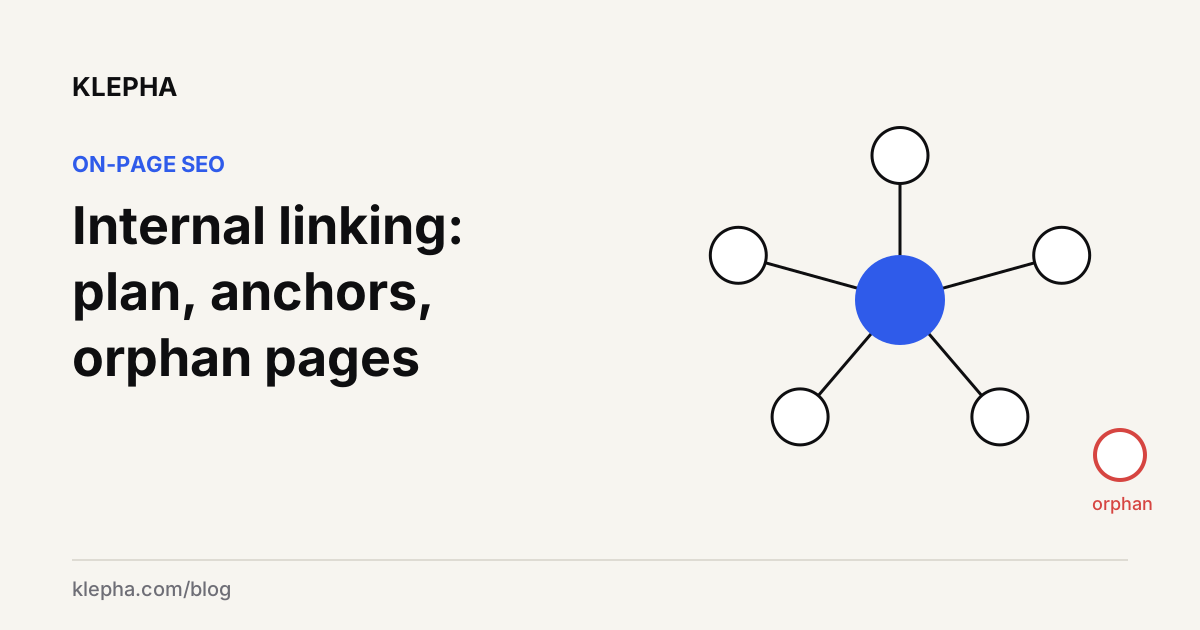
Internal linking for SEO means connecting pages on your own site with crawlable HTML links so that search engines can find every important page and understand what each one is about, and so that readers can move to the next useful page. Google states the baseline plainly: "Every page you care about should have a link from at least one other page on your site," and the anchor text should be "descriptive, reasonably concise, and relevant" to both pages.
Most sites do not fail at internal linking because they lack a clever strategy. They fail because new pages are published without links pointing to them, anchor text says "read more," and old posts never get updated. This guide gives you a simple plan, anchor text rules with examples, and a repeatable routine for finding orphan pages.
Key takeaways
- Links must be crawlable: an
<a>element with anhrefthat resolves to a real URL. Script-only clicks are not reliable. - Plan by topic: a hub page per topic, supporting pages that link up to it and across to each other.
- Link from strength to need: add links from pages that already earn traffic and links to the pages you want to grow.
- Anchor text describes the destination, in a few natural words. No "click here," no stuffed keywords.
- Orphan pages are found by comparison: the URLs you know exist minus the URLs a crawler can reach by following links.
Why do internal links matter for SEO?
Internal links do three jobs at once.
- Discovery. Google says it uses links "to find new pages to crawl." A page with no internal links depends entirely on your sitemap or external links to be found, and it is easy for it to be crawled rarely.
- Context. Anchor text and the surrounding sentence tell Google what the linked page is about. Google's documentation describes links as a signal for determining relevance, and anchor text on links pointing to a page is one of the sources Google can use when it builds the page's title link in results.
- Priority. Pages that many relevant pages link to are, in practice, the ones a site presents as most important. Burying a key page five clicks deep sends the opposite message.
Internal links also matter for AI assistants that browse the web. When an assistant lands on one of your pages, clear links to related, more specific pages help it find the passage that answers the question. Our guide to how LLMs choose sources goes deeper on that.
What makes an internal link crawlable?
Google states that it "can generally only crawl your link if it's an <a> HTML element" with an href attribute, and that links in other formats, such as a <span> with an href or a script event without one, "won't be parsed and extracted reliably." The URL also has to resolve to a real address.
| Link markup | Reliable for Google? |
|---|---|
<a href="/blog/schema-markup-guide">schema markup guide</a> | Yes |
<a href="https://example.com/guide">...</a> | Yes |
<a onclick="goTo('guide')">...</a> | No, there is no href |
<span href="/guide">...</span> | No, not an anchor element |
<a href="javascript:goTo('guide')">...</a> | No, the URL does not resolve |
This is the most common hidden problem on JavaScript-heavy sites: menus, "related posts" widgets and blog indexes that render links only after scripts run, or not as anchor elements at all. Check the raw HTML or the URL Inspection tool's rendered HTML, not just what you see in the browser. Our technical SEO audit guide covers rendering checks.
How do you plan internal links between pages?
A plan does not need software. It needs a list of pages, a few decisions and a spreadsheet.
1. List your priority pages
Write down the pages that make money or carry your main topics: product and category pages, service pages, and the guides that answer your most valuable questions. Usually that is ten to thirty pages, even on large sites.
2. Group pages into topic hubs
For each main topic, choose one hub page that gives the overview, then list the supporting pages that cover subtopics in depth. Supporting pages link up to the hub, the hub links down to each supporting page, and supporting pages link across to siblings where a reader would genuinely want to go next. This is the structure people call topic clusters. Our keyword gap analysis guide helps you decide which supporting pages are missing.
3. Find your strongest linking sources
In Search Console, sort pages by clicks and impressions. Pages that already earn search traffic, and pages with external links pointing at them, are the best places to add links to pages you want to grow. A link from a page nobody visits does little for readers or for discovery.
4. Keep important pages shallow
Every priority page should be reachable within a few clicks from the homepage through normal navigation or hub pages. Paginated archives that push older posts ten pages deep are a common cause of weak, rarely crawled content.
5. Add links when you publish, and when you update
When you publish a page, add two or three links to it from existing related pages in the same session, not "later." When you update an older page, check whether newer pages deserve a link from it. This single habit prevents most orphan pages.
How should you choose anchor text?
Google's guidance is that anchor text should be descriptive, reasonably concise and relevant to both the page it is on and the page it points to. Its own examples make the point better than any rule:
| Type | Example | Verdict |
|---|---|---|
| Generic | "Click here to learn more." | Bad: says nothing about the destination |
| Descriptive | "See the list of cheese types." | Good: names what the reader gets |
| Too long | A whole sentence wrapped in one link | Bad: dilutes what the link is about |
| Image link | An image with alt text "add enchiladas to your cart" | Good: Google uses the alt attribute as anchor text |
Practical rules that follow from it:
- Name the destination's topic, in the words a reader would use. "our guide to writing meta titles and descriptions" is better than "this post."
- Vary naturally. Different pages can describe the same target in different ways. Forcing the exact same keyword phrase into every link reads as unnatural and adds nothing.
- Mind the surrounding sentence. Google says to pay attention to the words around the link; they give context too.
- Do not chain links. Google advises against placing many links directly next to each other. Readers cannot tell them apart, and neither can a parser.
- Use alt text on image links that describes the action or destination.
Find the pages that deserve more links
A free Klepha report shows which of your pages earn visibility in Google and AI assistants, so you know where links will help most.
Get my free reportHow do you find orphan pages?
An orphan page is a page that exists and may be indexed, but that no other page on your site links to. Crawlers that follow links cannot reach it, so you find orphans by comparing lists.
- Build the "known URLs" list. Combine your XML sitemap, a CMS export of published pages, Search Console's Performance report pages and your analytics landing pages for the last year.
- Build the "linked URLs" list. Crawl the site with a crawler that follows links only, starting from the homepage, without feeding it the sitemap.
- Subtract. Any URL in the first list but not the second is an orphan candidate. Most crawlers can do this automatically if you give them the sitemap and analytics data.
- Check each candidate. Is it a page you care about? Is it current? Is it a duplicate of another page?
What should you do with each orphan?
| Situation | Action |
|---|---|
| Useful and current | Add links from its hub and two or three related pages |
| Useful but outdated | Update it, then link to it |
| Duplicates another page | Merge into the stronger page and redirect |
| No longer needed | Remove it, return 404 or 410, and take it out of the sitemap |
| Intentionally unlinked (campaign landing pages) | Leave unlinked, and consider noindex if it should not appear in search |
How often should you review internal links?
Treat internal linking as maintenance, not a one-off project. A light routine works for most sites: add links to every new page on the day it is published, run a links-only crawl once a month to catch new orphans and broken links, and do a fuller review each quarter of your hubs and priority pages. During the quarterly review, check that each hub still links to its best supporting pages, that retired pages no longer receive links, and that pages gaining impressions in Search Console get links from more of their siblings. Run an extra crawl after any redesign, migration or change to URL structure, since those are the moments when large numbers of links break at once.
What internal linking mistakes should you avoid?
- Nofollow on internal links. It tells Google not to associate your pages; there is rarely a good reason to do it on your own site.
- Links through redirects. Update internal links to point at the final URL rather than relying on redirect chains.
- Broken links after migrations or slug changes. Crawl after every structural change.
- Sitewide footer lists as a substitute for context. Navigation helps discovery, but contextual links inside the body carry the most meaning.
- Linking everything to everything. Link where a reader would want to go next. Too many links on a page make each one less useful.
If you want this done for a large site, our Blog Ranking service includes internal link mapping, and our expertise page and case studies show how we approach site architecture.
Sources
- Google Search Central, "SEO link best practices for Google", last updated December 10, 2025, accessed November 9, 2026. developers.google.com
- Google Search Central, "Influencing title links in Google Search", last updated December 10, 2025, accessed November 9, 2026. developers.google.com
Frequently asked questions
What is internal linking in SEO?
Internal linking is connecting pages on the same website with HTML links. It helps search engines discover pages, understand what each page is about through anchor text, and see which pages the site treats as important, while helping readers find related content.
How many internal links should a page have?
There is no fixed number. Every important page should have at least one link from another page, as Google recommends, and in practice priority pages benefit from links on several related pages. Add links where a reader would genuinely want to go next.
What is good anchor text for internal links?
Google says anchor text should be descriptive, reasonably concise and relevant to both pages. Use a few words that name the destination's topic, such as 'schema markup guide', and avoid generic phrases like 'click here' or whole sentences wrapped in one link.
What is an orphan page?
An orphan page is a published page that no other page on the same site links to. Because crawlers follow links, orphan pages are harder to discover and are often crawled rarely, even if they appear in the XML sitemap.
How do I find orphan pages on my website?
Compare a list of all known URLs, from your sitemap, CMS, Search Console and analytics, with the list of URLs a crawler reaches by following links from the homepage. URLs in the first list but not the second are orphan candidates.
Should internal links be nofollow?
Generally no. Nofollow asks Google not to associate the linking and linked pages, which works against the purpose of internal links. Use normal links between your own pages, and use noindex if a page should not appear in search.